Local AI with Strix Halo & R9700, Part 1: Building the Rig
I was looking for a good way to run local AI for vulnerability research and a while back ended up buying a Geekom A9 Mega (a Strix Halo box with 128GB of unified memory). I preferred this over the DGX Spark at the time since it’s x86, so it also serves as a nice server. Some of the MoE models like Qwen 3.6 35B or Laguna S 2.1 run quite well, but they weren’t really good enough for meaningful research, and dense models like Qwen 3.6 27B were slow on the hardware. Then I came across a few posts from Lucebox where they attached an R9700 (AMD card with 32GB of VRAM and 640 GB/s) to a Strix Halo:
They didn’t only attach the GPU to use it separately but found a way to combine the iGPU and the GPU, so in theory 160GB VRAM could be used. Their approach puts the most-frequently-routed experts on the R9700’s fast 32GB while the Strix Halo holds the rest in its 128GB pool. For a sparse MoE model like DeepSeek V4 Flash 0731, where only a few experts fire per token, that split seems to map well onto the hardware.
I thought it was worth a try and bought:
- Minisforum DEG1 - basically acts as the mainboard for the GPU and has an OCuLink port
- Corsair SF850 - the GPU needs its own PSU
- An M.2/PCIe to OCuLink adapter
- Radeon AI PRO R9700 Creator 32GB
Except the GPU, most of it is pretty cheap. You could also connect the DEG1 via USB instead of M.2/PCIe, which would look much cleaner, but it’s slower (about 3 GB/s vs. 7-8 GB/s over the M.2 connector).
Build
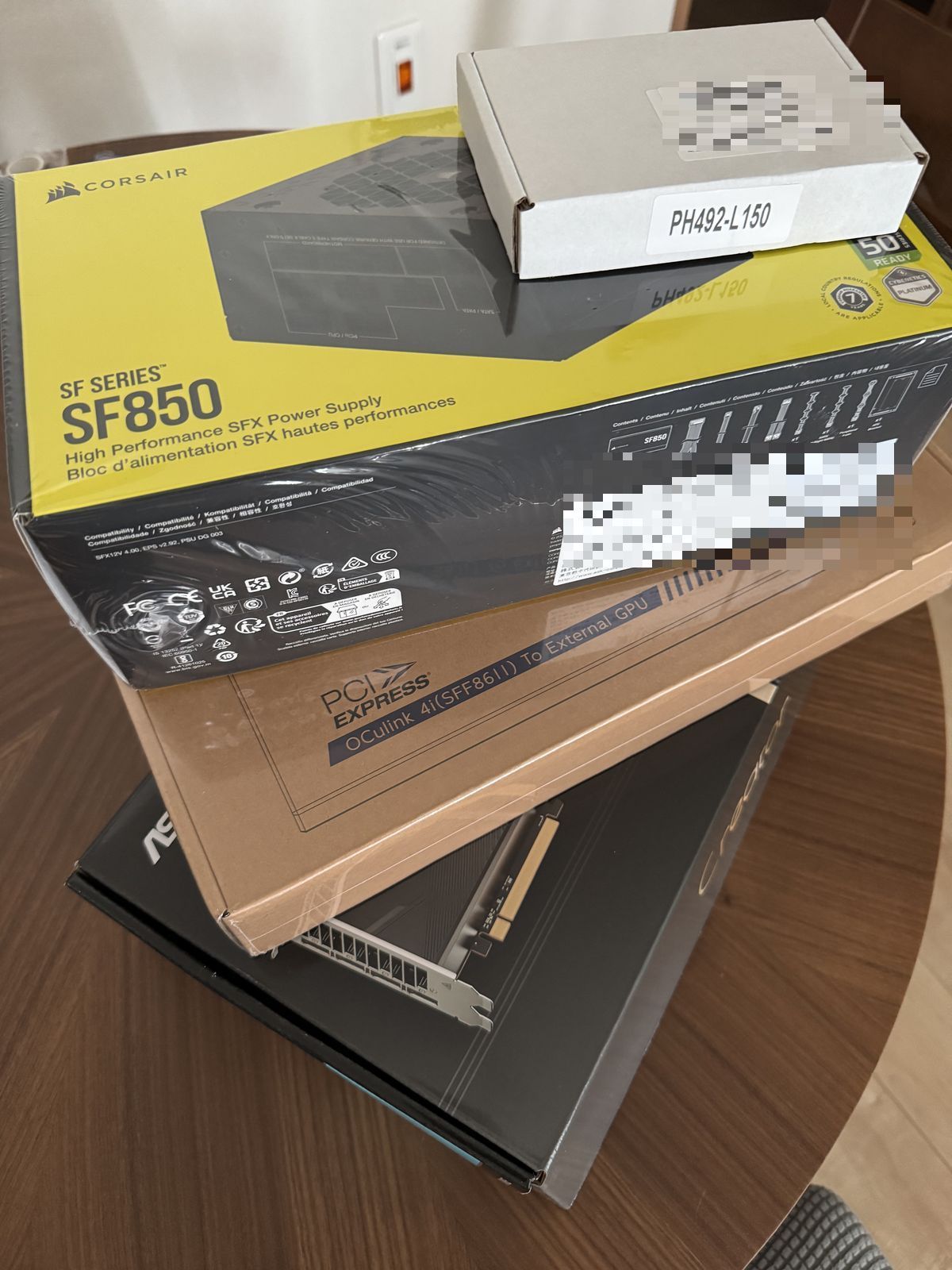 The parts: Corsair SF850 SFX power supply, the OCuLink adapter kit, and the R9700.
Opening up the A9 Mega, the adapter goes into one of the M.2 slots. It’s a small card that carries PCIe 4.0 out to a flat ribbon that ends in an OCuLink (SFF-8611) connector:
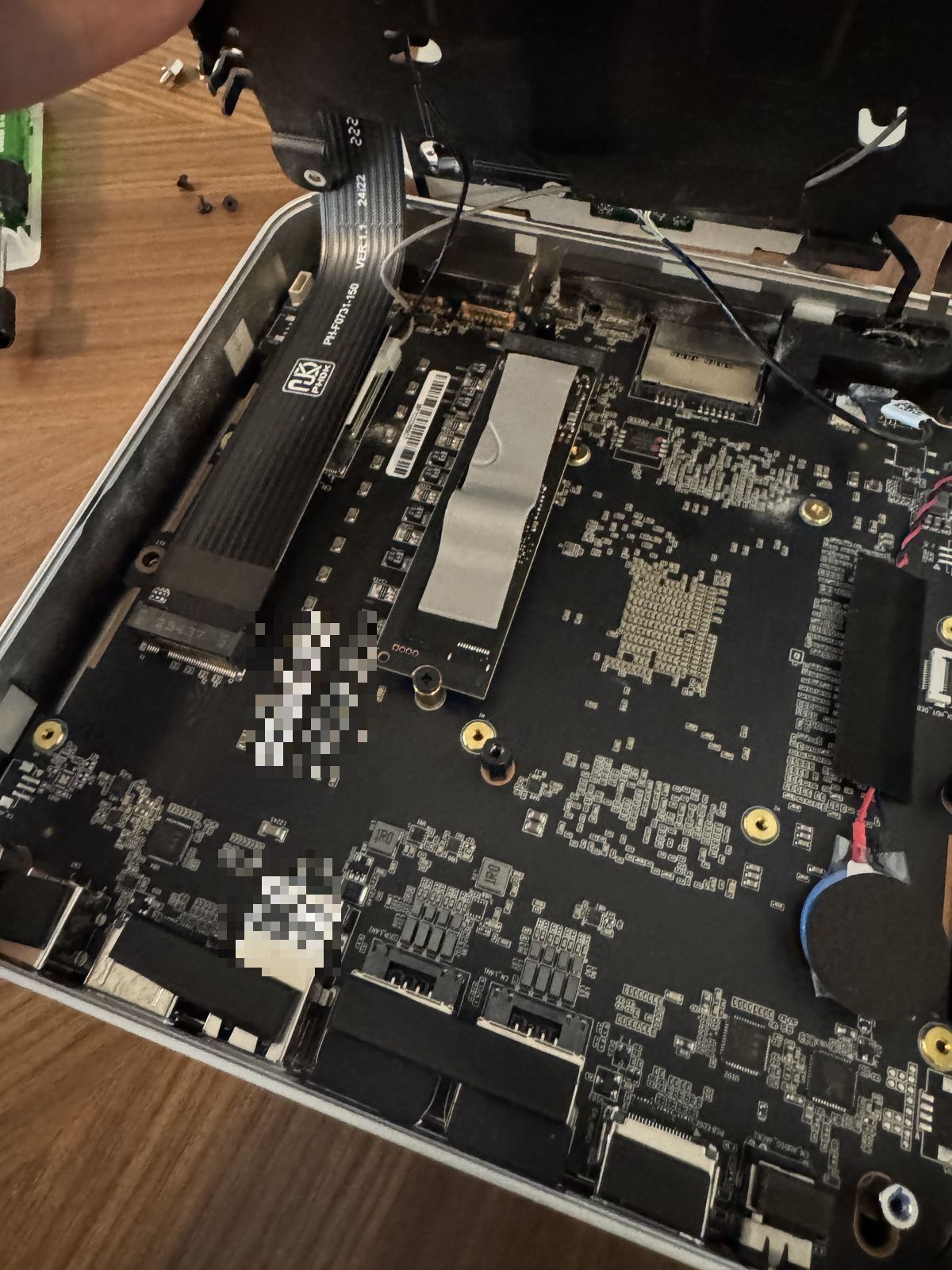 The M.2 adapter seated in an internal NVMe slot.
The ribbon routes out through a gap in the chassis. Not elegant, but it works and the lid still closes:
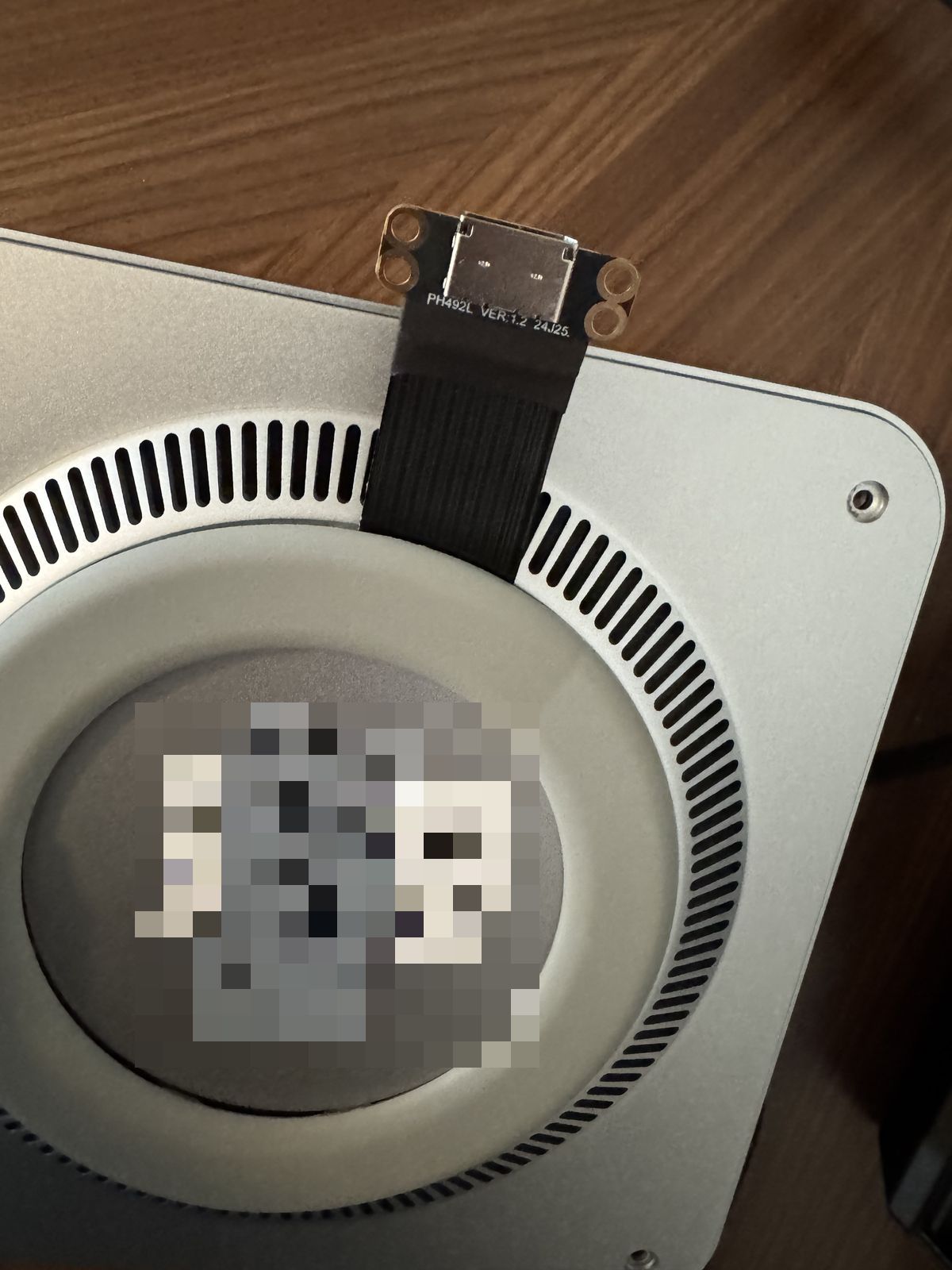 OCuLink cable coming out of the underside of the A9 Mega.
On the other end, the R9700 sits in the Minisforum DEG1 dock, powered by its own Corsair SF850 SFX PSU (the mini PC can’t feed a card like this, so the GPU gets its own power). The R9700 is an ASRock Creator card (blower-style cooler):
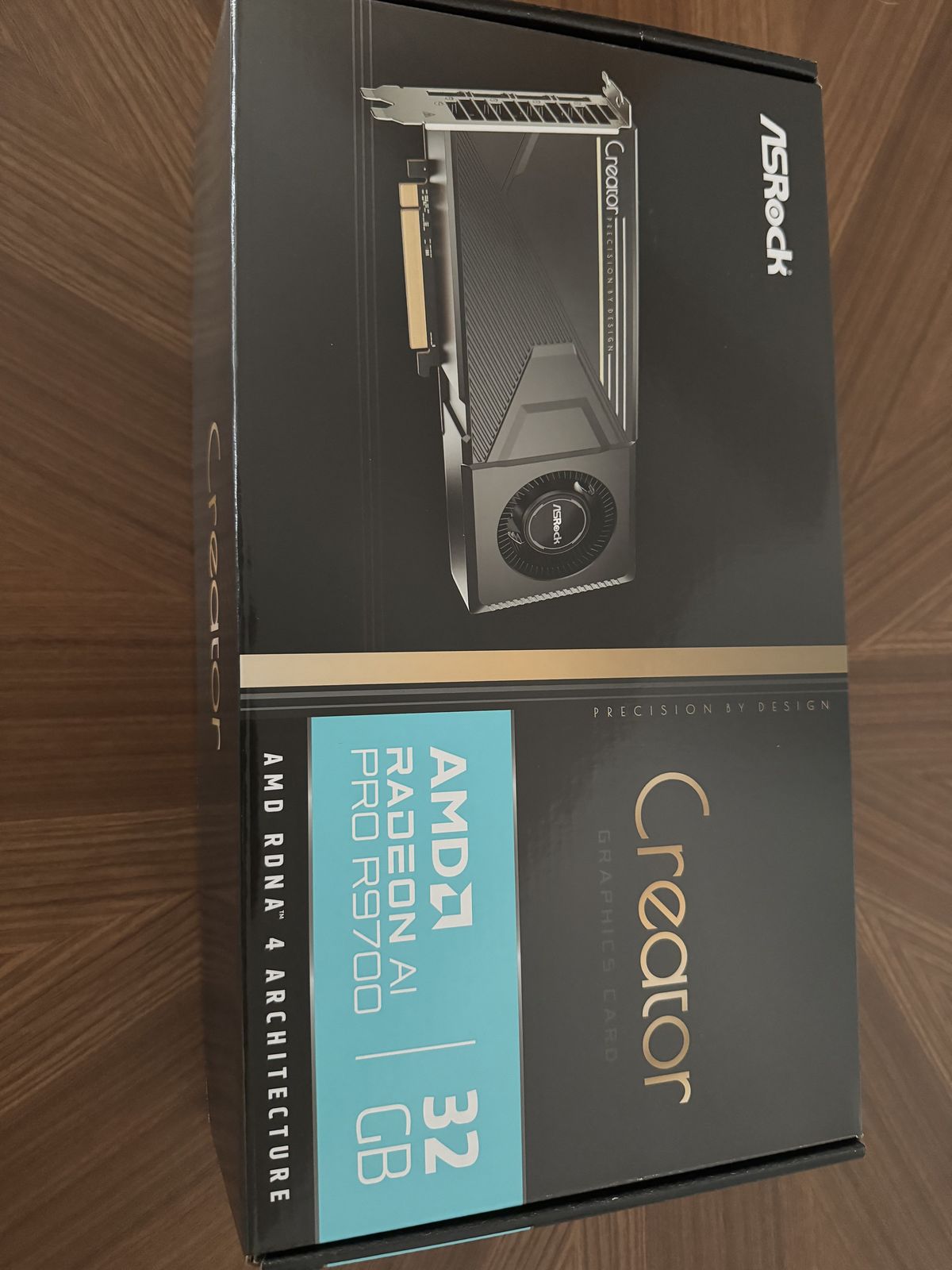 32GB of RDNA4. The box makes a point of the “AI” branding.
Wired up, the whole thing looks like this - mini PC, OCuLink out to the GPU, GPU fed by the external PSU:
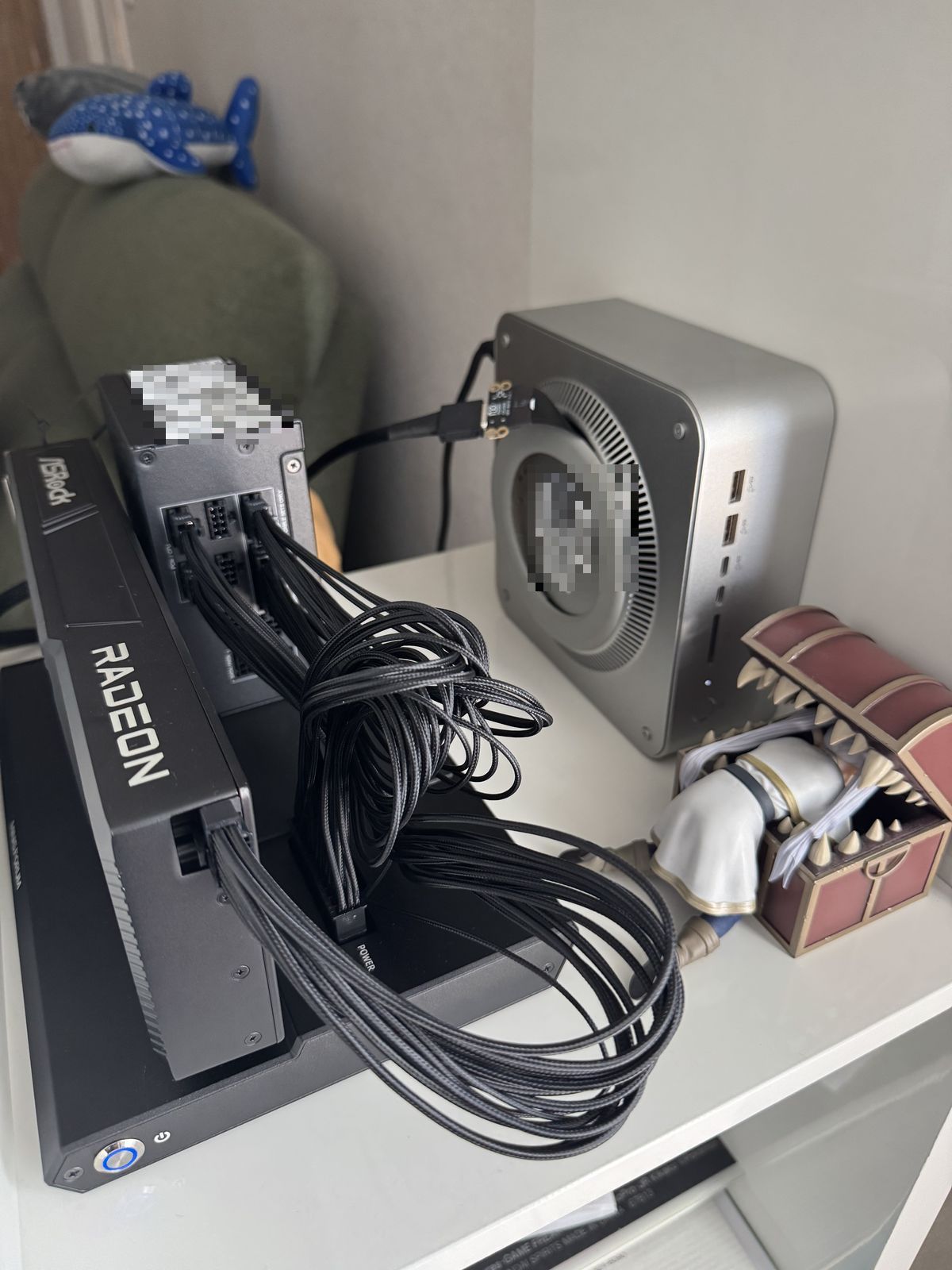 The finished rig. The Mimic is optional but recommended.
Results
After booting into Ubuntu 26.04 with ROCm 7.2.3, both GPUs show up:
1
2
3
4
$ rocminfo | grep "Marketing Name"
  Marketing Name:          AMD RYZEN AI MAX+ 395 w/ Radeon 8060S
  Marketing Name:          AMD Radeon AI PRO R9700
  Marketing Name:          AMD Radeon Graphics
rocm-smi sees the R9700 with its full 32GB, alongside the Strix Halo iGPU:
1
2
3
$ rocm-smi -i
GPU[0]  : Device Name:  AMD Radeon AI PRO R9700
GPU[1]  : Device Name:  AMD Radeon Graphics
The discrete card is gfx1201 (RDNA4) and the iGPU is gfx1151.
OCuLink speed is okay (PCIe 4.0 x4) but not as fast as a normal mainboard slot (x16), so the link gets negotiated down:
1
2
3
$ lspci -vv -s c6:00.0 | grep -E "LnkCap|LnkSta"
  LnkCap: Speed 32GT/s, Width x16
  LnkSta: Speed 16GT/s (downgraded), Width x4 (downgraded)
Will have to see how much that matters in practice after playing with it for a bit.
First Impressions
Using Vulkan and MTP we get about 50-80 t/s for Qwen 3.8 27B (Q4_K_XL weights with Q8 KV cache) on the R9700, depending on how well the prediction does and the context size - way better than the Strix Halo could do. Next I want to try DeepSeek V4 Flash 0731 (and other MoEs), similar to what Lucebox did, so both the iGPU and GPU are used together, and do some actual vulnerability research with both Qwen and DeepSeek offline. Let’s see if it can pay for itself.
One thing I’m not quite happy with yet is the noise so I reduced power on the GPU from 300W to 250W (about 8% slower) and will try to find a proper case to put it into.
Update
I moved the whole thing into a Lian Li B4 - and it fits, though it’s millimeter work to get everything in there:
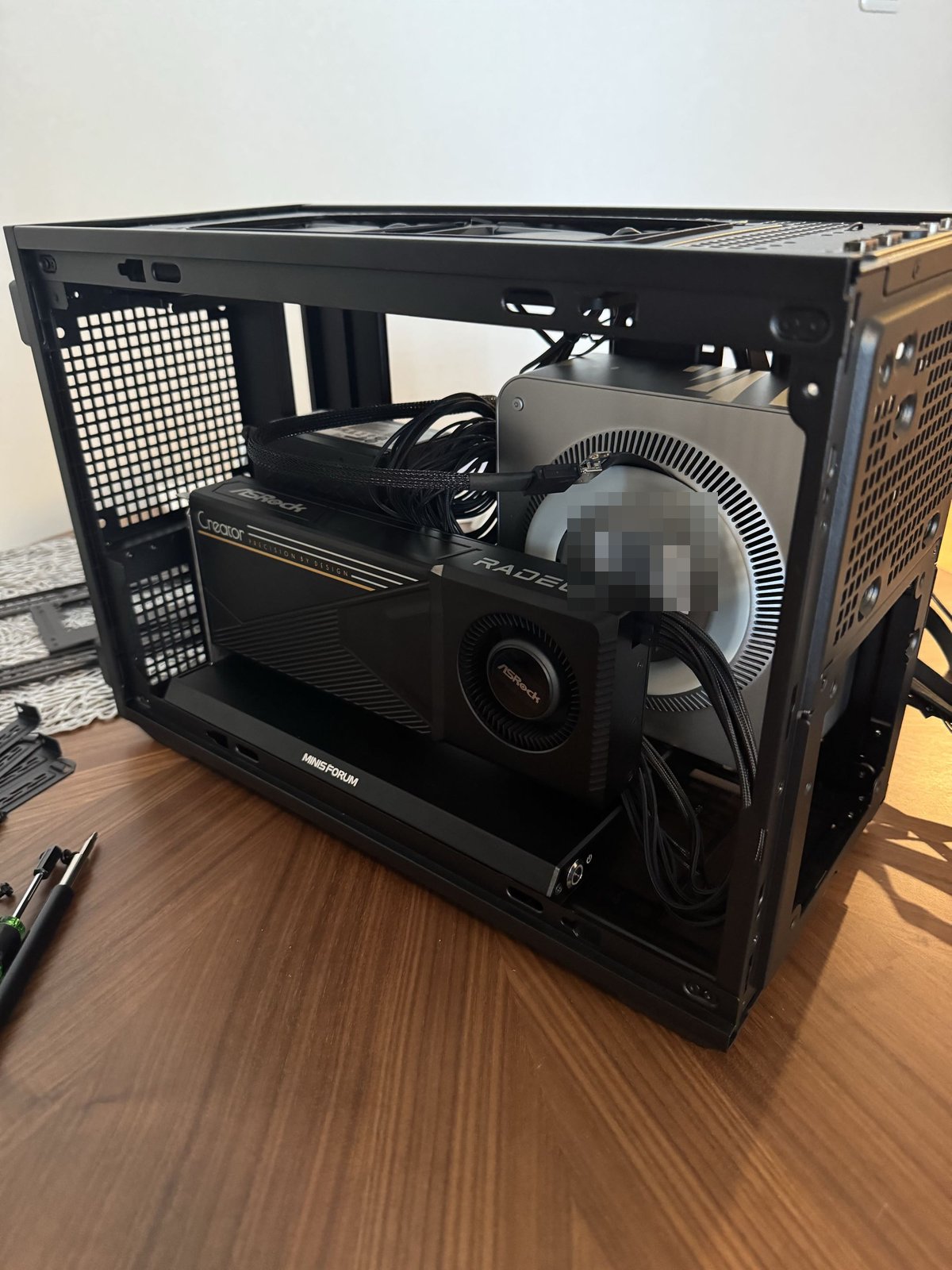 Mini PC, DEG1, R9700 and the SF850 all squeezed into the B4.
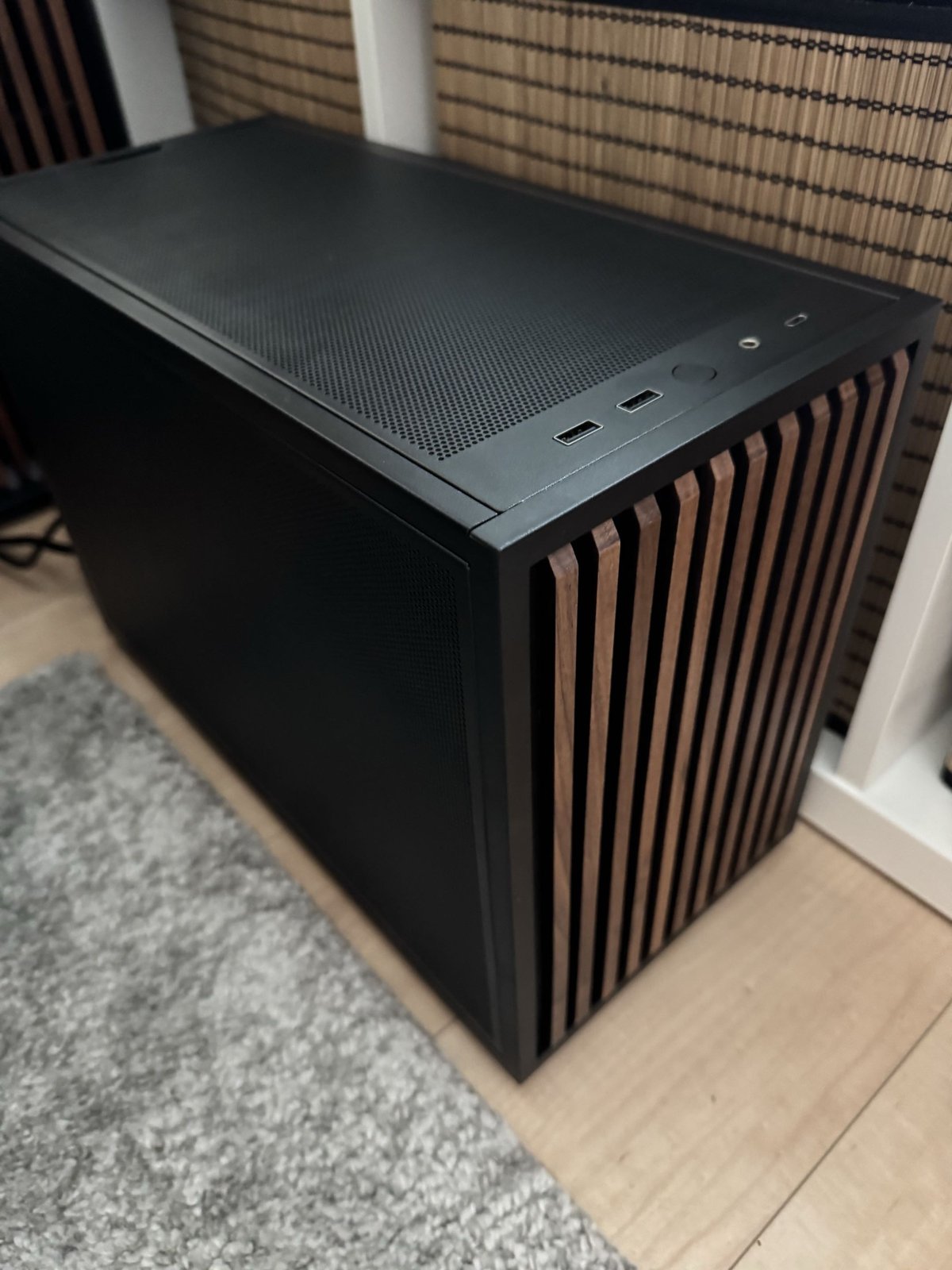 Closed up it just looks like a normal small PC.
Just need to add some more case fans and a fan controller for proper cooling.
Unfortunately, the M.2 PCIe x4 OCuLink adapter did not work reliably at Gen4 speeds, and the card eventually crashed or dropped off the PCIe bus. I ordered another one, and luckily the issue was gone. It was a bit more expensive, though, because it has a signal driver that helps reinforce the PCIe signal.
Some numbers:
Qwen3.8-Flash-Next (125B-A6B MoE, unsloth UD-Q4_K_XL, ~104GB) on the Strix Halo iGPU. measured decode at 262k context window, Q8 KV cache:
| context depth | decode t/s |
|---|---|
| empty | 29-34 |
| 25k | 30 |
| 107k | 29 |
| 217k | 23 |
Prefill is 170-390 t/s depending on depth, and draft acceptance stays around 0.8 even at 217k. This works pretty well for everyday work.
Qwen 3.8 27B (dense, UD-Q4_K_XL) on the R9700. Around 45-50 t/s on code, with MTP draft acceptance about 0.73. Plain decode without speculation is 28 t/s, which is roughly what the card’s 640 GB/s predicts.
What didn’t work: combining both GPUs for one model. I tested every split for the big model - layer split (-ts 40,8), and running the MTP draft model on the R9700 (-devd). They win a few percent at short context but lose 10%+ at long context, because the per-token attention path then crosses the OCuLink x4 link every step.
GLM-5.3-Flash (320B-A18B MoE, unsloth UD-IQ3_XXS, 113GB) across both GPUs. This is the one model where the eGPU actually pays off the way I originally hoped: 3-bit needs ~120GB, so it only fits with the R9700’s 32GB added to the Strix Halo’s pool - 4-bit (200GB) doesn’t fit unfortunately.
| context depth | decode t/s | prefill t/s |
|---|---|---|
| empty | 14.0 | 121 |
| 4k | 11.7 | 104 |
| 16k | 10.1 | 79 |
Not really fast enough - so for now I am not trying to run that one and stick with Qwen 3.8 Flash/27B combo.